

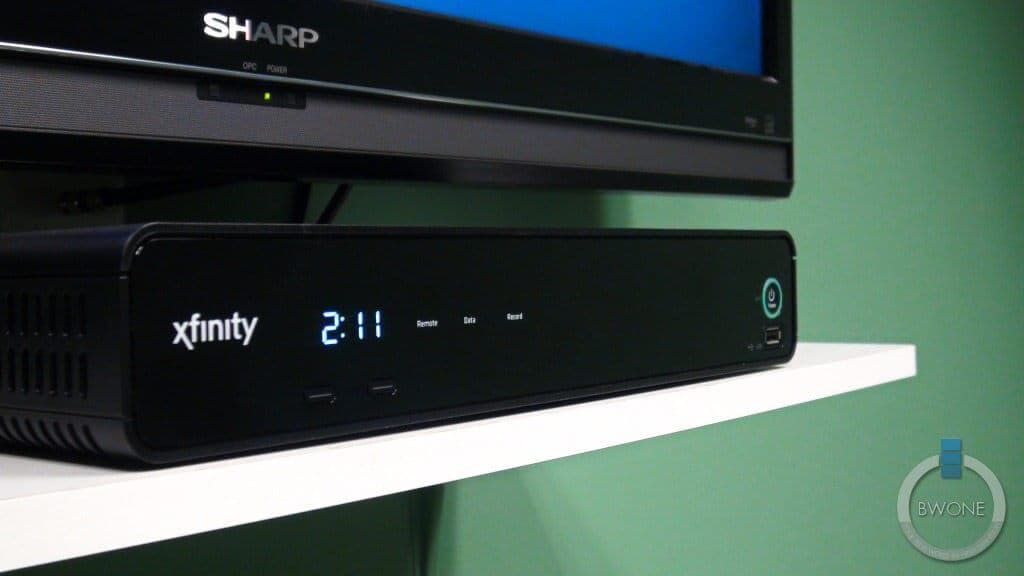
Update: Our Full In-Depth Review Of the Comcast Xfinity X1 Box & Platform
Comcast, a leader in cable TV and entertainment distribution is facing a challenge. Competition from companies like TiVo and Google TV based products is pushing Comcast to create a unique, engaging and contend driven TV, movie, DVR and online entertainment experience. This brings us to the Comcast X1 a new set-top cable box that has many in the tech world buzzing about.
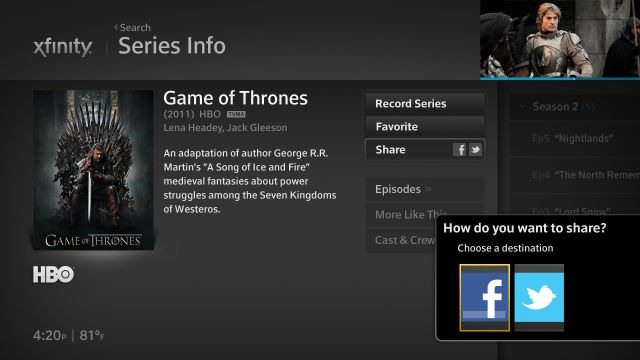
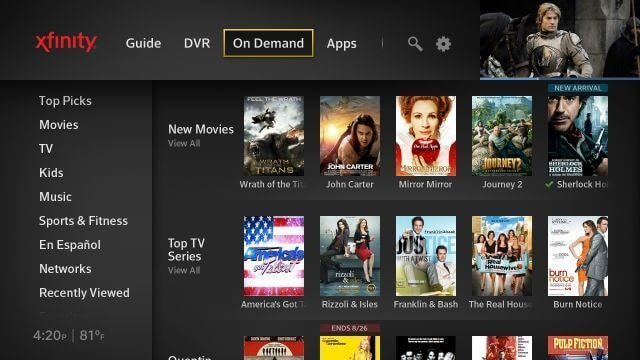
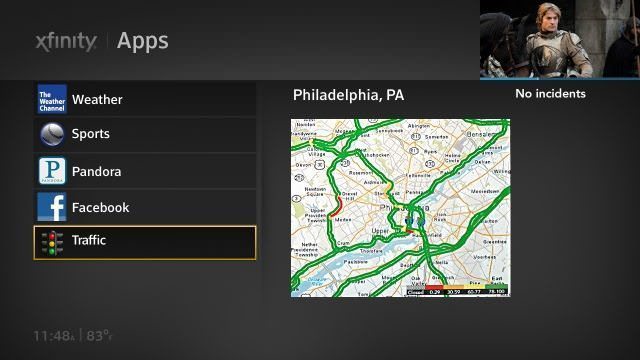
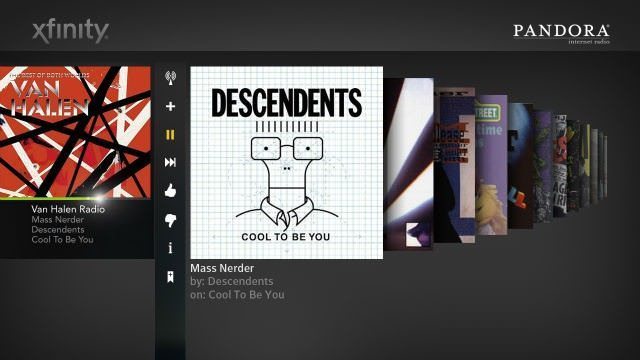
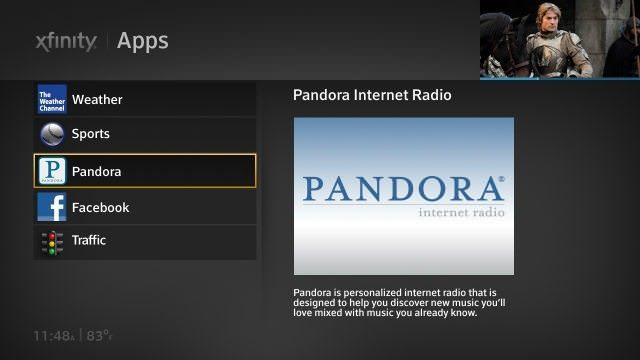
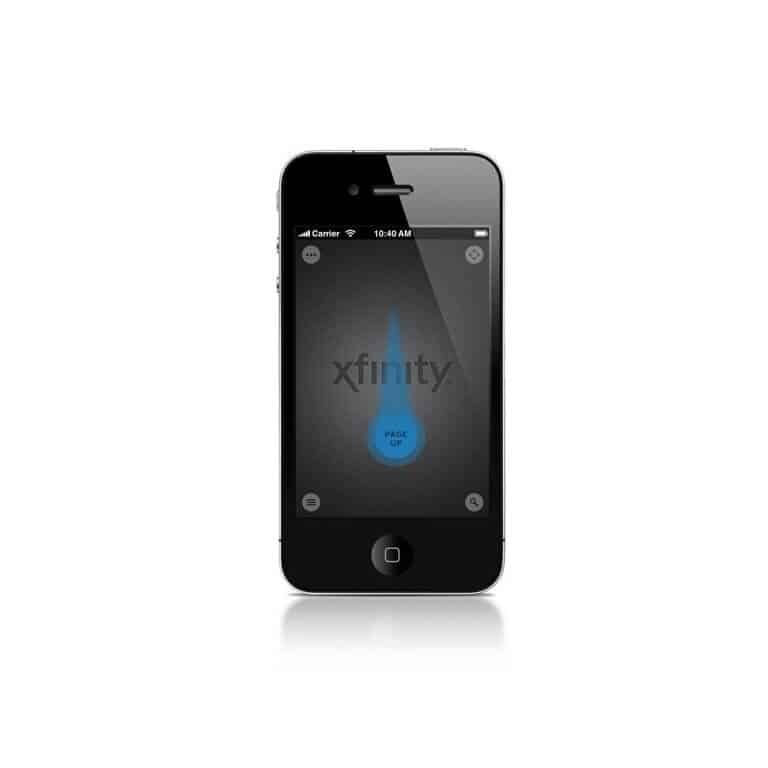
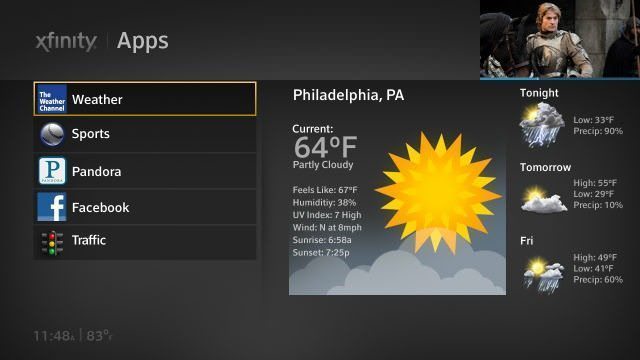
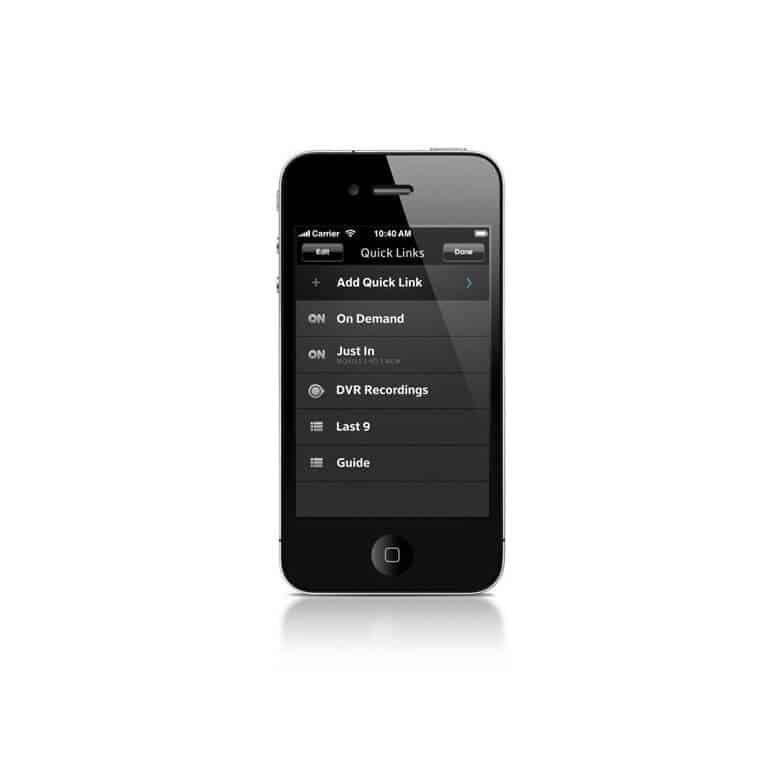
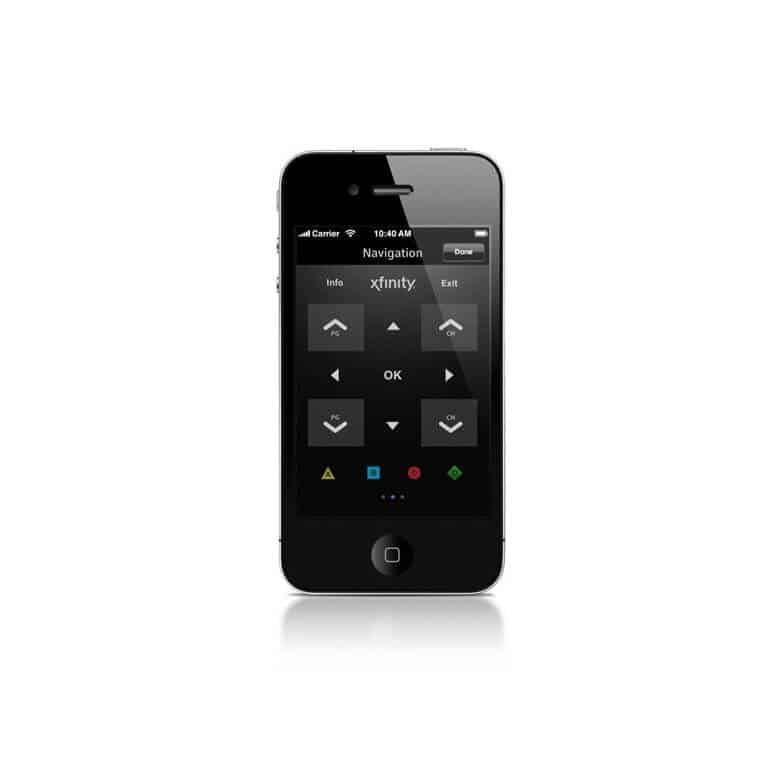
The Comcast X1 is a full digital entertainment hub with access to thousands of TV shows and Movies from live TV and Xfinity On-Demand. The box sports a faster processor and new intuitive menu guide that is blazing fast to navigate through. It includes universal search across all content portals, provides live weather updates, sports scores and even Traffic alerts. The new UI is fluid and in HD. You get all the information you need in each menu without the clutter and the focus stays on the content that is playing.
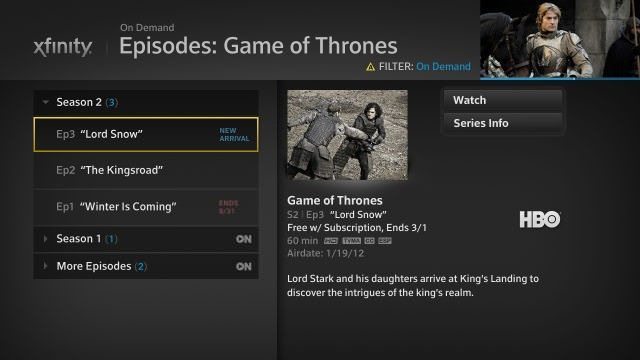
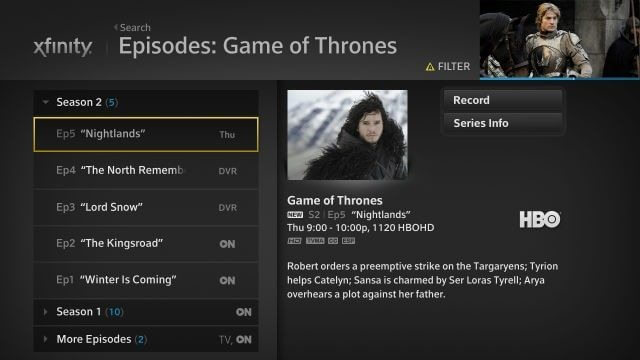
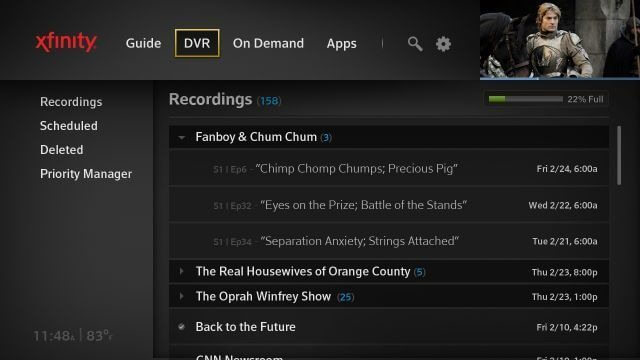
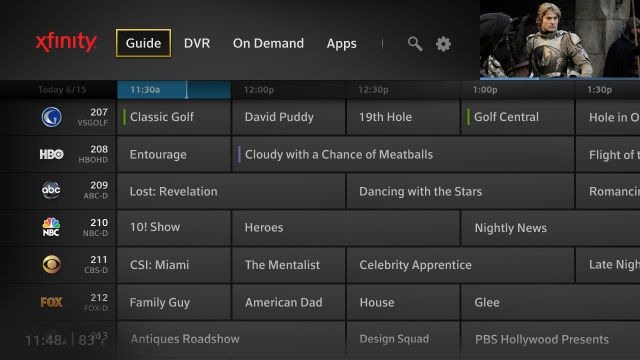
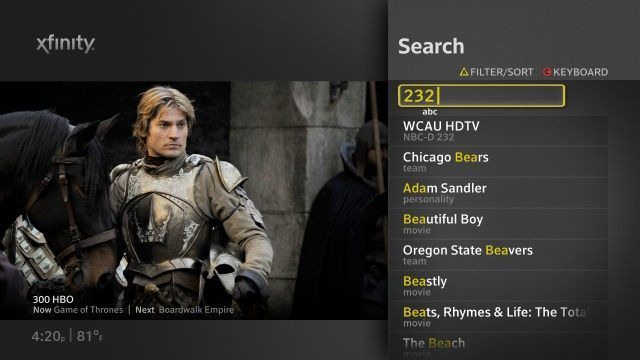
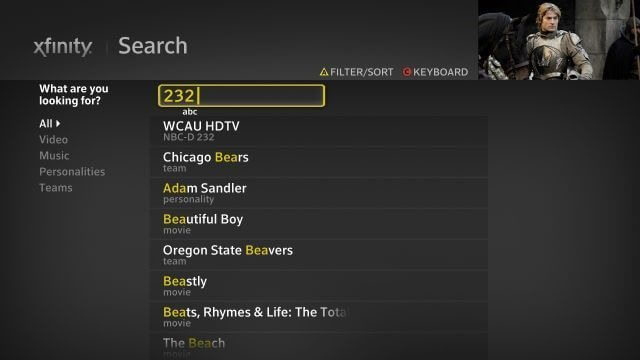
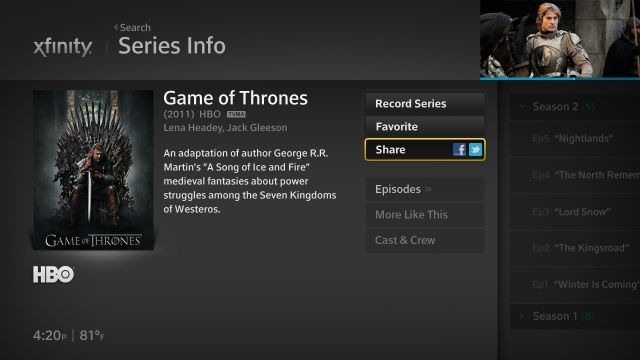



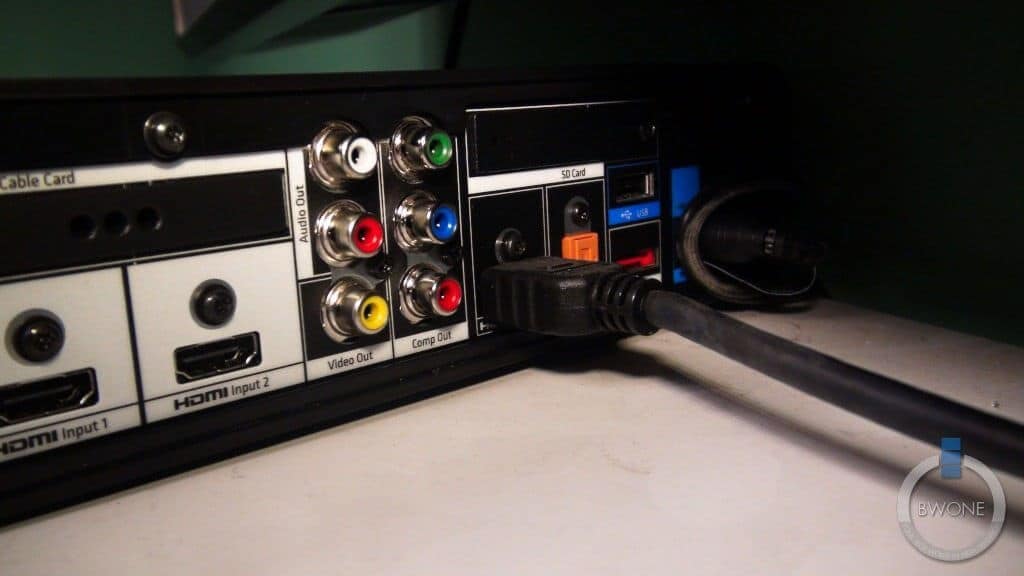
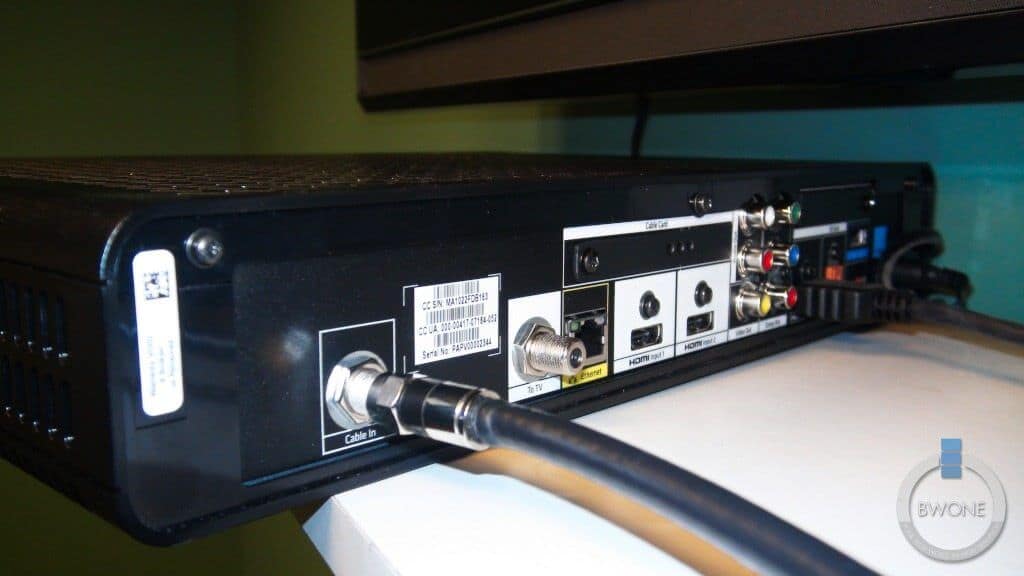
On the back of the box you’ll see your typical connections with coaxial ports, HDMI, Component, RCA, eSata and USB. Not sure what port will be live or dead when installed.


How much does it cost? Can you take out the DVR in place and just put in the new X1 ?
I’ve been exploring for a little bit for any high-quality articles or weblog posts on
this kind of house . Exploring in Yahoo I at
last stumbled upon this website. Reading this information So i’m
happy to show that I’ve a very excellent uncanny feeling I found out exactly what I needed.
I so much unquestionably will make certain to do not forget
this web site and provides it a glance on a relentless basis.
Thanks for sharing your thoughts. I really appreciate your efforts and I will be
waiting for your further post thank you once again.
Question? What is the reason in having TWO HDMI inputs?????? Would it make MORE sense to have TWO OUTPUT HDMI?????
Tried watching the video above. Two words – Audio Engineer. The video alone wasn’t too bad. It would have been steadier if it was shot on a tripod. I don’t know if it became more steady after the first 30 seconds because I lost interest in the video not being able to hear anything until I turned my speakers all the way up. Even then, it sounded like the person was talking from the other side of the room.
Hi admin, i must say you have very interesting articles here.
Your website should go viral. You need initial traffic boost only.
How to get it? Search for: Mertiso’s tips go viral
What’s up,I check your blogs named “Comcast X1 Box – An In Depth Look – BWOne.com” regularly.Your writing style is witty, keep doing what you’re doing! And you can look our website about powerful love spells.
I have noticed you don’t monetize your website, don’t waste your traffic, you can earn additional bucks every
month because you’ve got hi quality content. If you
want to know how to make extra money, search for: Boorfe’s tips best adsense alternative